- Go to www.cybereclipse.com by typing the address into your browser.
- On the homepage, click Log in (
 ) in the top right hand corner.
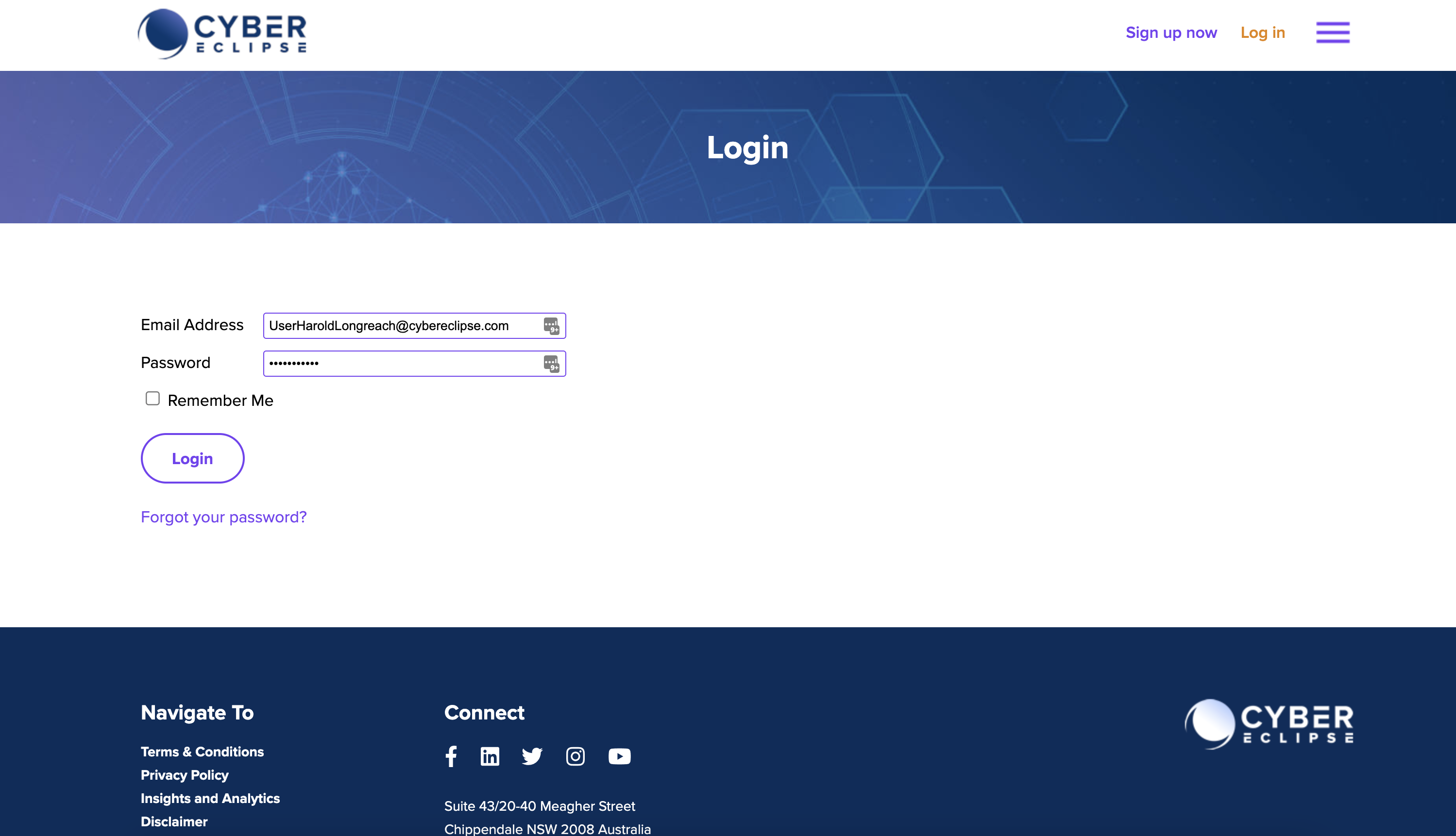
- In the screen below, enter the Email Address and Password which was used to register with Cyber Eclipse and click Login (
 ).
).
- Optional: If two-factor authentication has been setup, you will be taken to the screen below where you will need to enter the code from your authenticator app and click Continue (
 ) to access Cyber Eclipse. Note: You will not see this screen if two-factor authentication is not setup for your organisation. For setting up two-factor authentication where required by your organisation, see Setting up Two-Factor Authentication.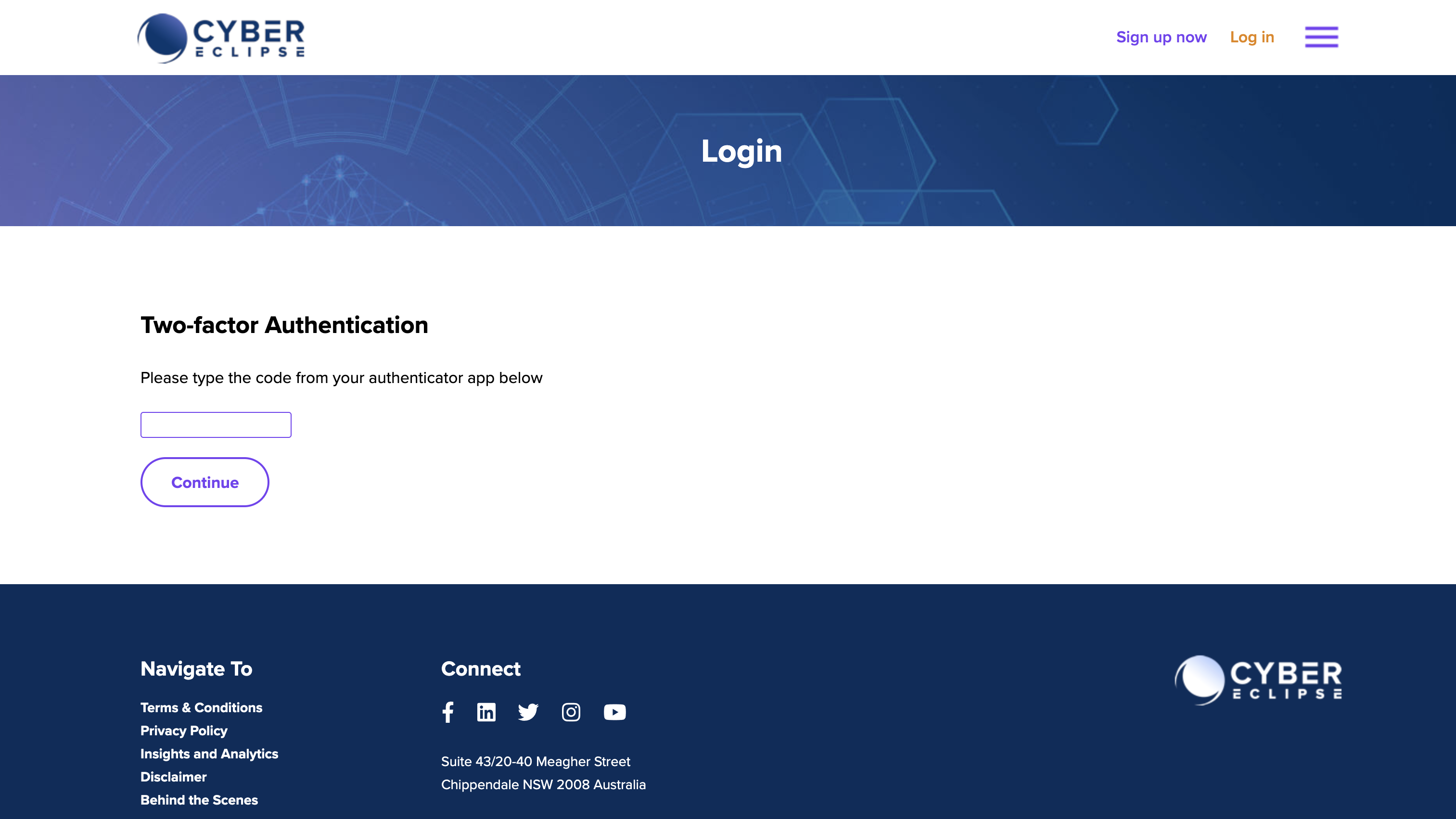
- If your login was successful, you will be taken to the Cyber Eclipse platform.

Want to see these instructions in a video - watch here!
How to login to Cyber Eclipse?

Comments
0 comments
Article is closed for comments.