
To update your user profile photo:
- click the Settings icon (
 ) in the top left which will take you to a page similar to the below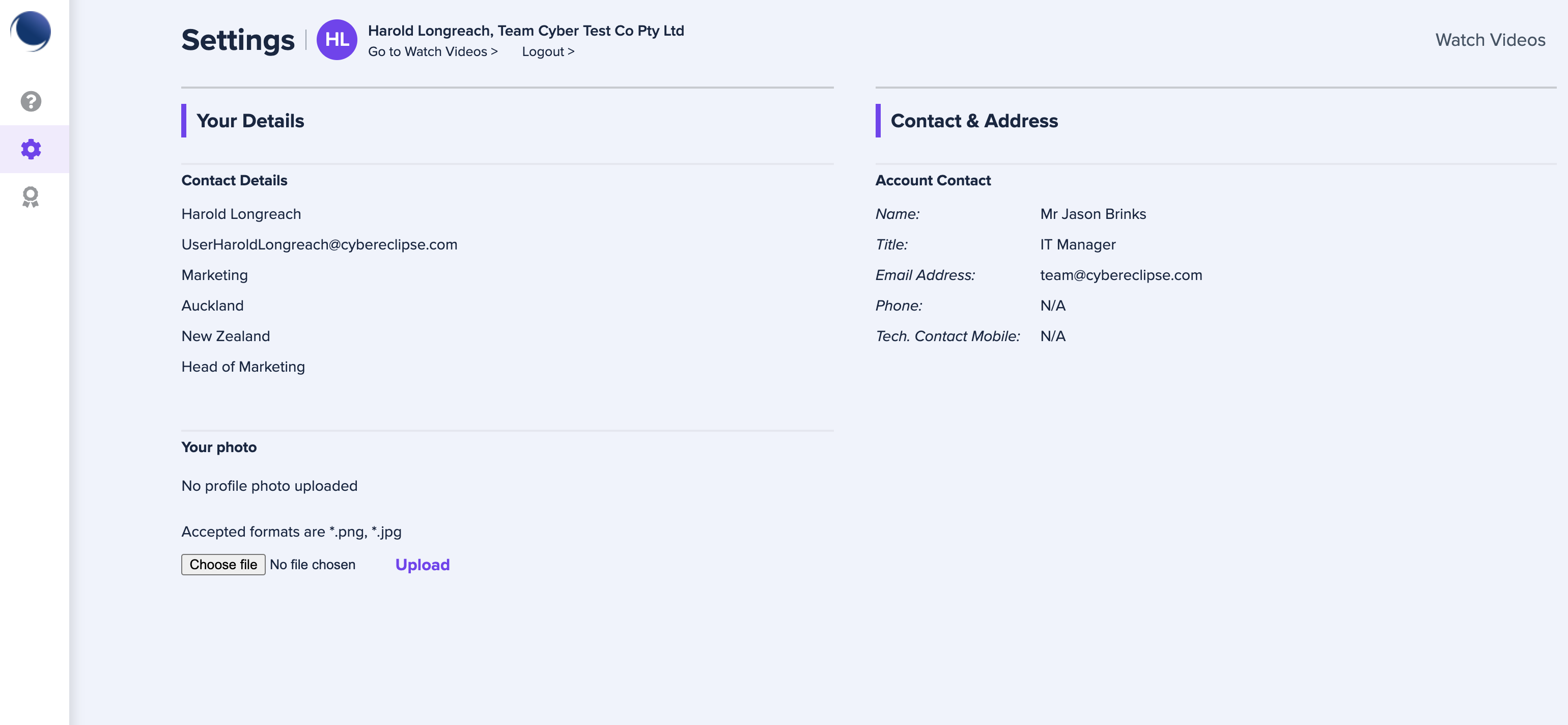
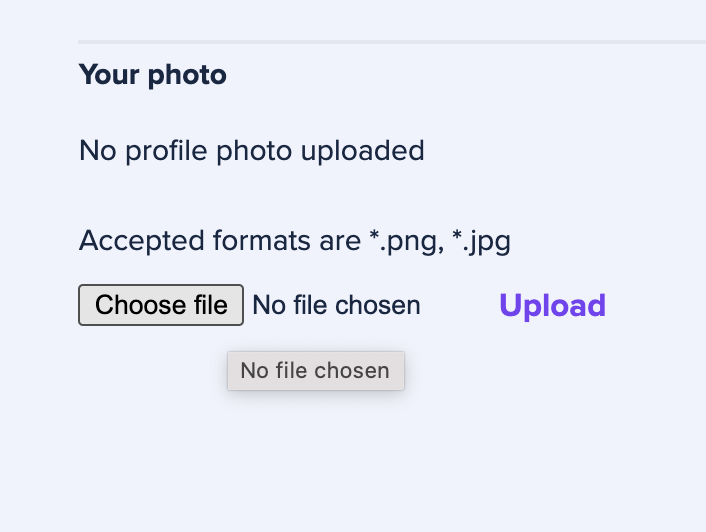
- in the Your Photo section, click the Choose file button (
 )
)
- A dialogue box will open allowing you to select a locally stored png or jpg file. Select that file in the usual way (depending on your operating system)
- Click Upload (
 ) and your profile photo will be updated with the photo you have selected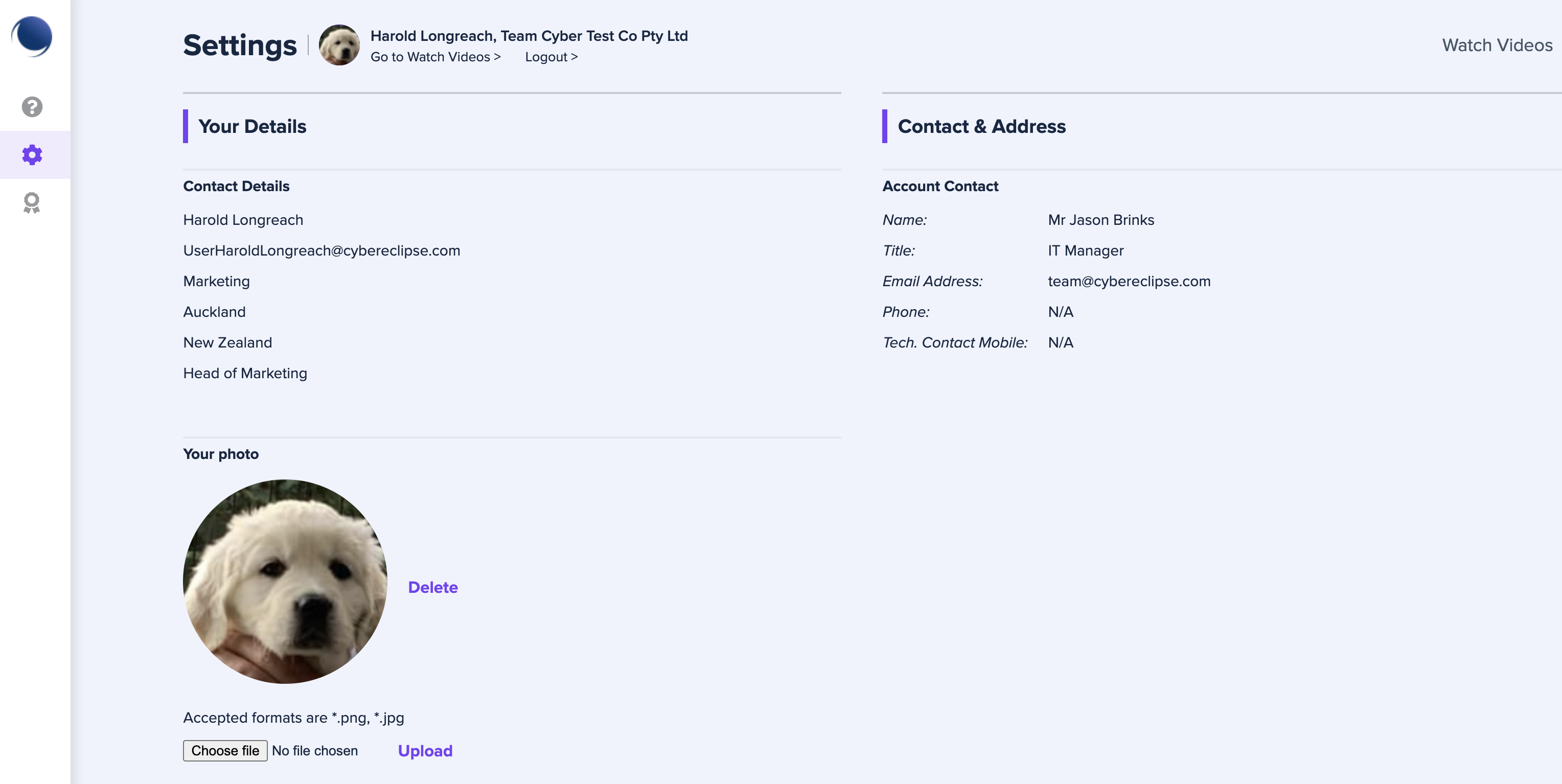
Please note, your contact details are set by your organisation administrator - please contact your organisation administrator to edit any of your contact details.
Comments
0 comments
Article is closed for comments.